
Download SimilarImagesFinder – Find Duplicate Photos, Manage Image Libraries, Remove Duplicates
Overview
SimilarImagesFinder is a mobile application designed to help users identify and manage duplicate or highly similar images across their device storage. The app targets individuals who accumulate large volumes of photos—whether through daily photography, automatic backups, or repeated uploads—resulting in redundant files that clutter storage and complicate organization. By scanning selected folders or the entire device, SimilarImagesFinder enables users to detect visually similar images and take action to remove duplicates, freeing up valuable space and improving digital hygiene.
The app is particularly useful for casual photographers, digital archivists, and anyone seeking to maintain a clean and efficient photo library. It addresses the common problem of unintentional duplication, where multiple versions of the same image are saved due to editing, syncing, or accidental re-upload. While the developer did not provide additional background on the company or development history, the app’s straightforward purpose and functionality suggest a focus on practical, user-driven solutions.
Real-world use cases include decluttering photo folders after a trip, cleaning up cloud-synced collections, or preparing device storage before a system update. In the broader app ecosystem, SimilarImagesFinder fills a niche for utility tools that enhance data management on smartphones and tablets. Its targeted approach to image similarity detection offers a specialized alternative to general file managers, emphasizing precision and ease of use in photo organization.
Key Features & Functionality
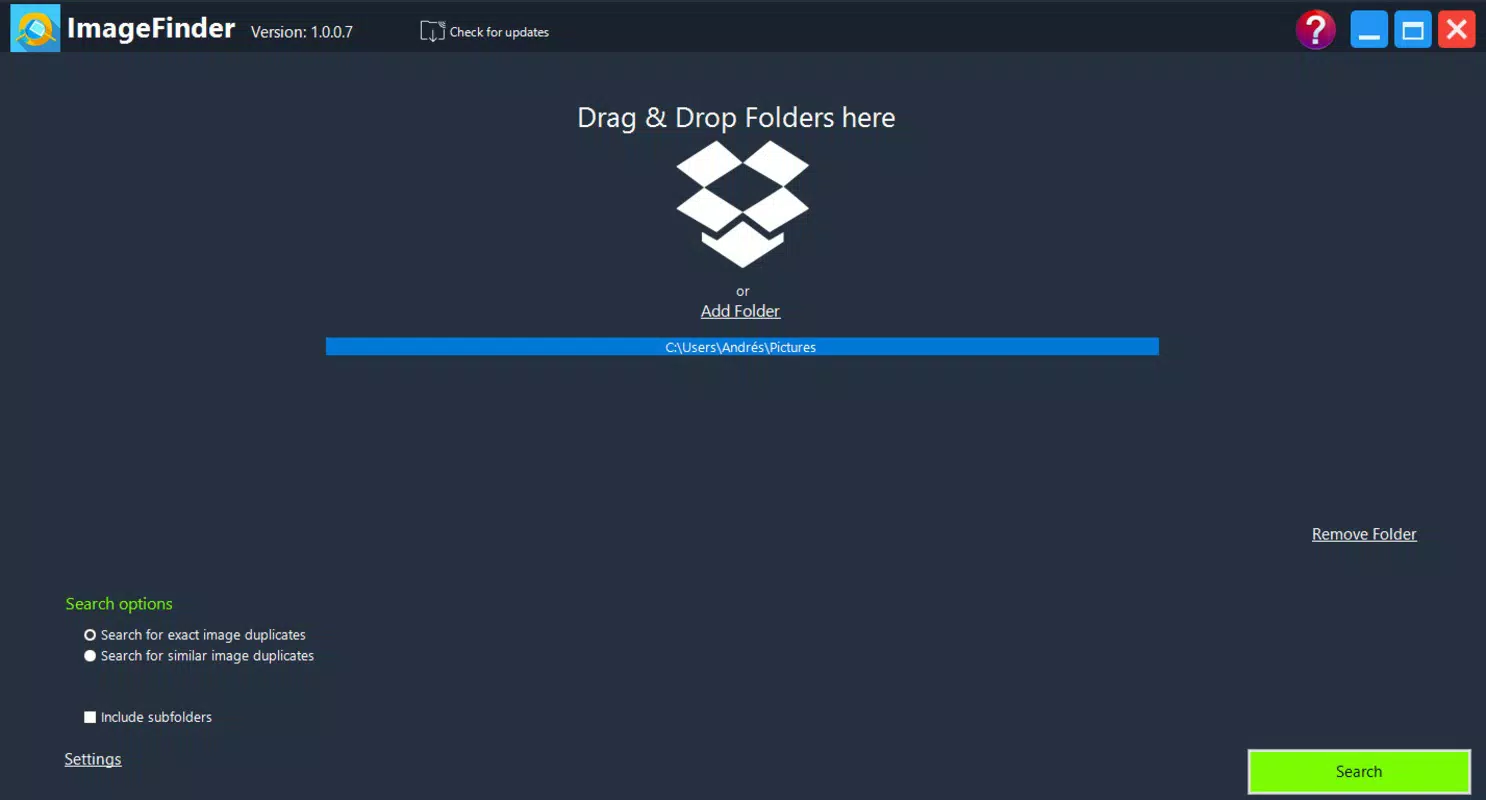
- Folder Selection: Users can choose specific directories—such as the default Pictures folder—or opt to scan the entire device. This flexibility allows for both targeted cleanup and comprehensive audits of image collections.
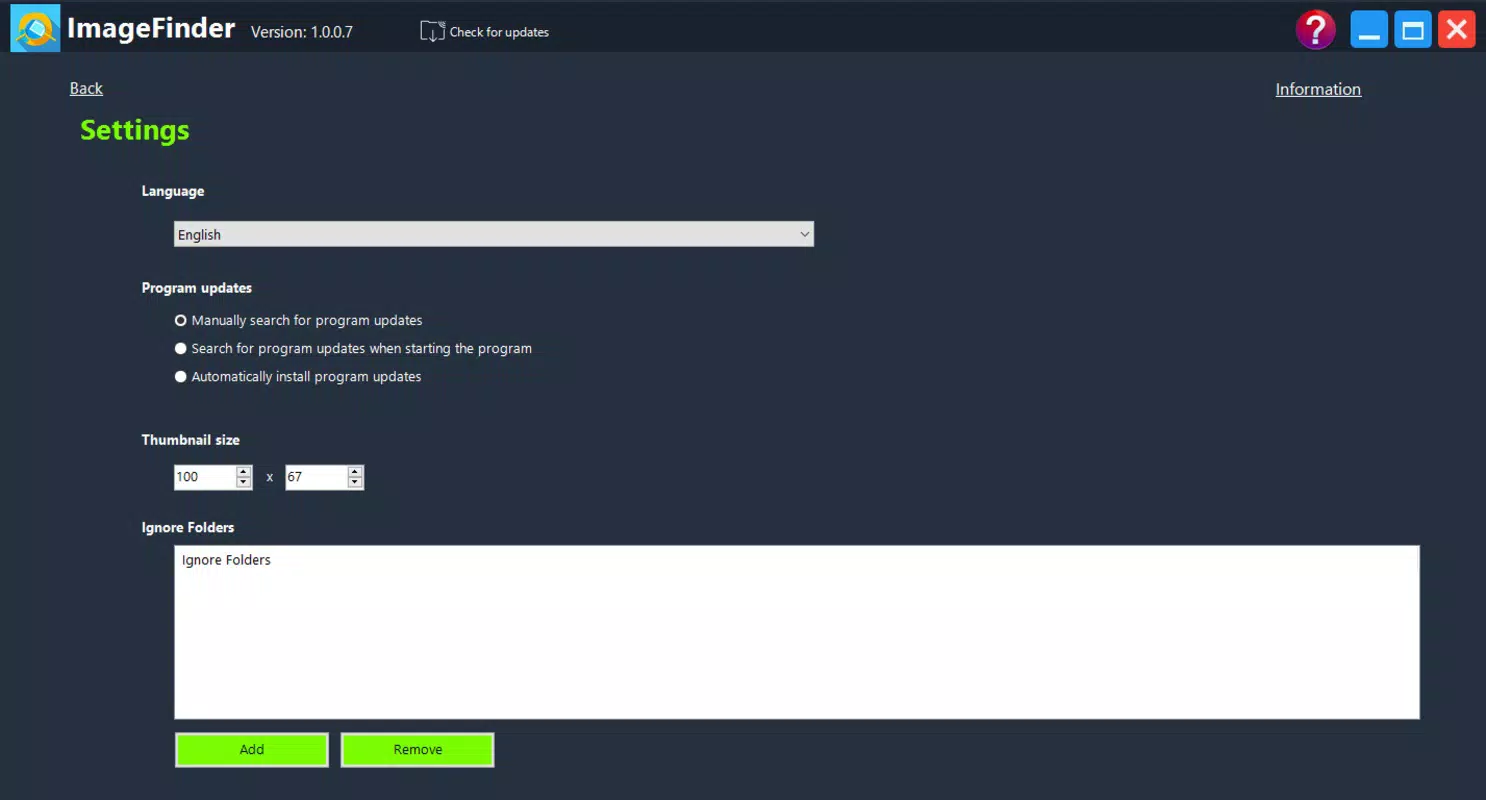
- Similarity Threshold Adjustment: The app defaults to detecting images that are 90% similar, but users can modify this setting to identify even more closely related photos. This customization supports both strict and lenient detection based on user preference.
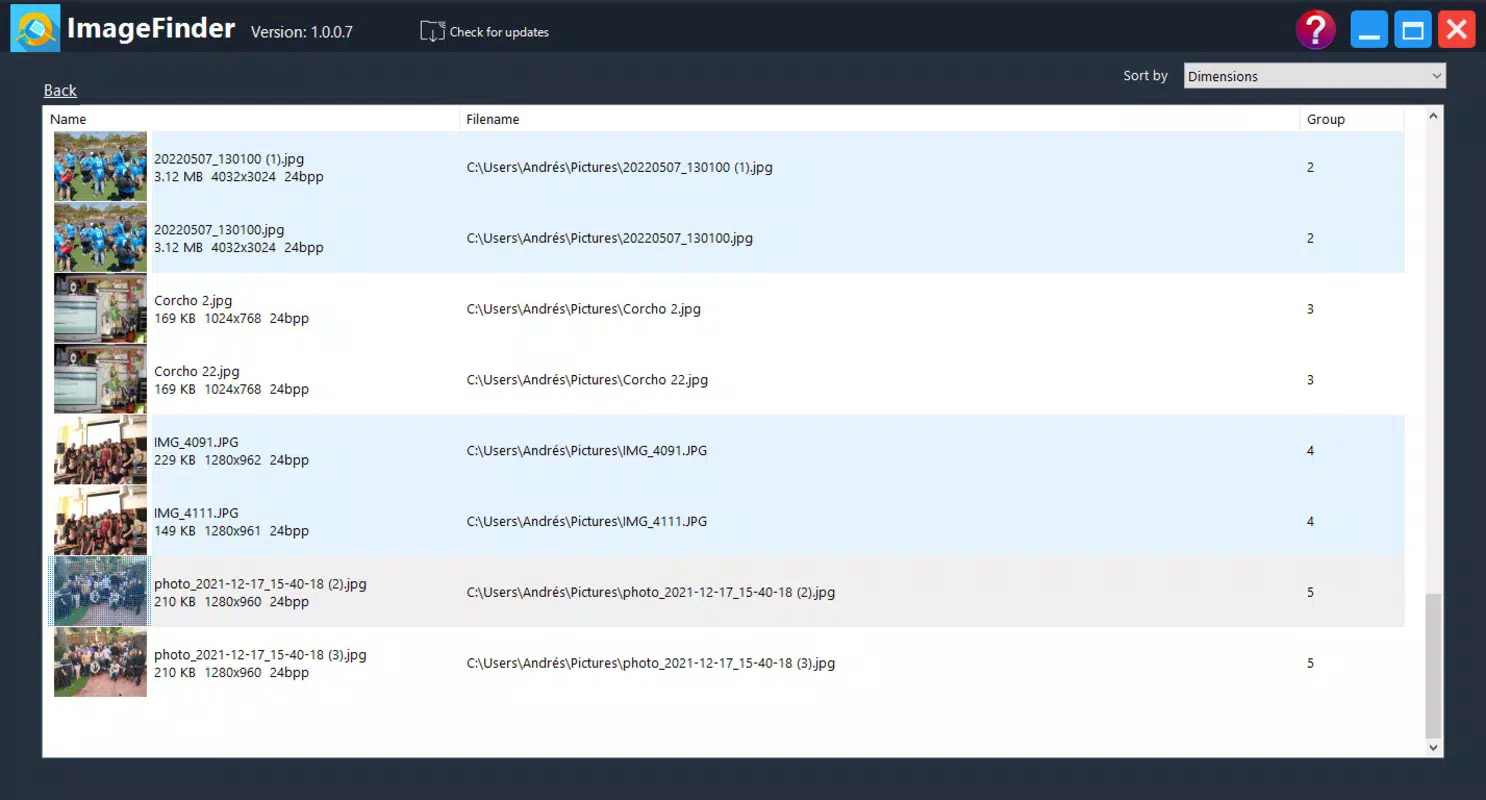
- Grouped Duplicate Management: After scanning, similar images are grouped together, enabling users to right-click and access actions like “Open in Folder” for side-by-side comparison. This feature supports informed decision-making when selecting the preferred image to keep.
- Efficient Deletion Workflow: The app streamlines the removal of unwanted duplicates, allowing users to delete multiple files with minimal effort. The process is designed to be completed in under ten minutes, making it a practical solution for regular maintenance.
- Intuitive User Interface: With a clean, minimal design, SimilarImagesFinder prioritizes ease of navigation. The layout supports quick access to core functions, reducing the learning curve for both novice and experienced users.
For example, a user returning from a vacation might scan their camera roll to identify multiple shots of the same sunset. By adjusting the similarity threshold, they can isolate near-identical frames and delete the weaker versions. Similarly, a user with a synced photo library across multiple devices could use the app to eliminate redundant copies, ensuring a single, optimized version remains.
Interface, UX & Performance
SimilarImagesFinder features a straightforward, task-oriented interface that emphasizes clarity and usability. The layout is organized around core actions—scanning, reviewing results, and managing duplicates—ensuring a logical flow from start to finish. Visual cues and grouped image previews help users quickly identify matches without confusion.
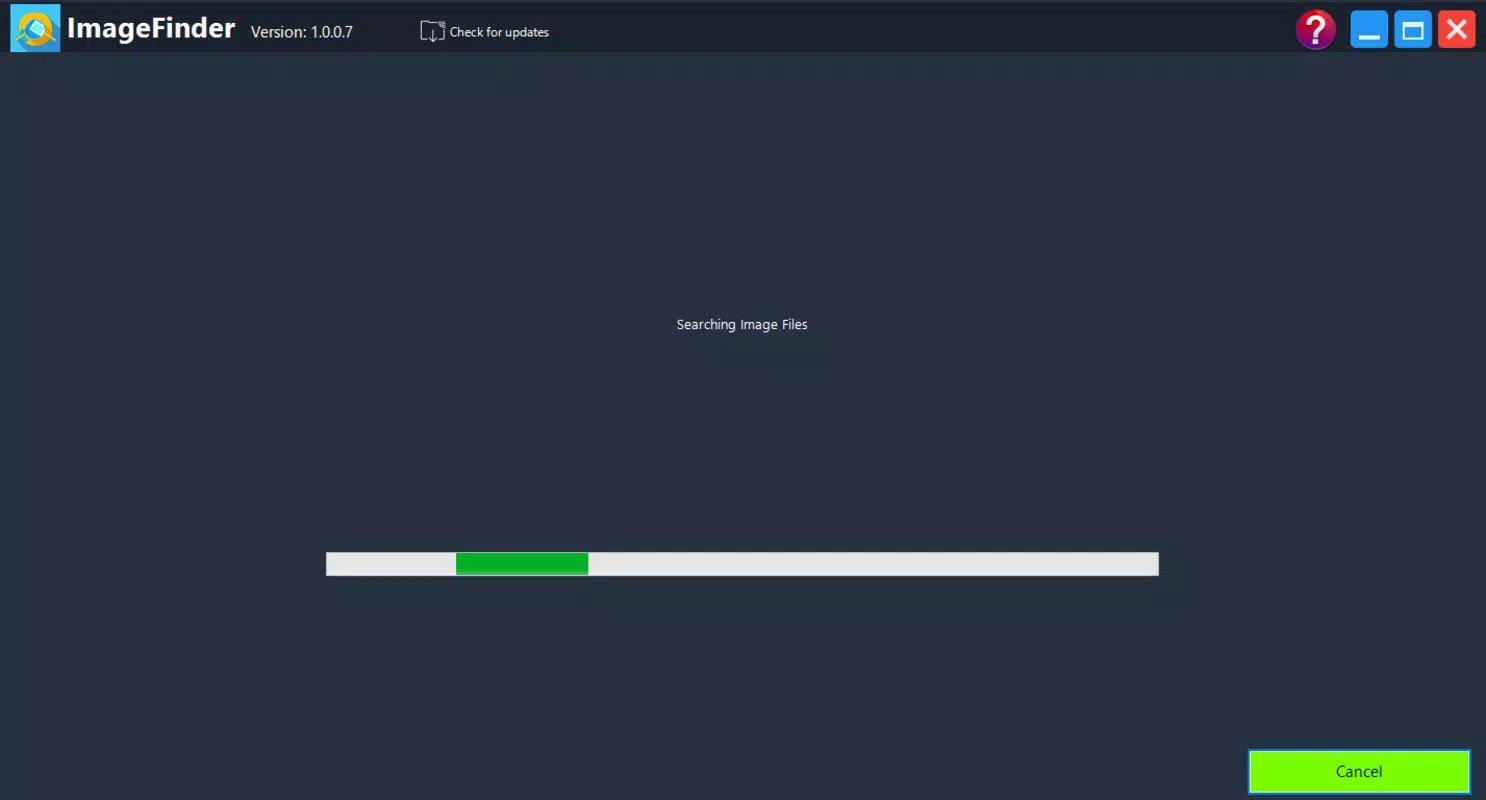
Navigating between folders, adjusting settings, and reviewing scan results is designed to be intuitive. The app’s responsiveness appears consistent across different device categories, though specific performance metrics were not provided by the developer. Although the developer did not list formal performance metrics, the app’s focus on lightweight processing suggests efficient memory and CPU usage during scans.
Stability during operation is implied by the app’s streamlined workflow. Users can expect minimal crashes or freezes during typical use, especially when scanning smaller folders. However, scanning the entire device may take longer depending on storage size and image count, which is a known limitation of such tools. The app does not appear to require extensive permissions, maintaining a secure and focused experience.
Platform Compatibility & Technical Requirements
SimilarImagesFinder is available for Android and iOS platforms, ensuring broad accessibility across modern smartphones and tablets. The app supports the latest versions of both operating systems, though specific minimum OS requirements were not listed by the developer.
The current software version is 2.1.0, and the file size is 18.7 MB, indicating a lightweight footprint suitable for devices with limited storage. This compact size suggests optimized code and minimal background overhead, making it suitable for both high-end and mid-range devices. Users should ensure their device meets standard requirements for running modern mobile applications.
The developer did not specify additional technical requirements such as RAM, processor, or supported hardware. Compatibility information was not fully disclosed, so users are advised to check their device’s compatibility before installation.
Pros and Cons
- Efficiently detects visually similar images across folders or entire storage
- Adjustable similarity threshold for customized scanning results
- Simple, intuitive interface suitable for non-technical users
- Quick deletion process with minimal user input
- Lightweight file size (18.7 MB) and low resource usage
- Specific OS version requirements not disclosed
- Scanning large collections may take significant time
- No cloud sync or backup integration mentioned
- Advanced image analysis features not detailed
- Developer did not provide information on update frequency
FAQ
Is SimilarImagesFinder safe to install on my smartphone?
Yes, the app is designed to operate securely within the device’s file system. It does not collect personal data or require excessive permissions, making it a safe utility tool for managing local files.
Can I use SimilarImagesFinder to scan only specific folders?
Yes, users can select individual folders for scanning instead of the entire device. This feature allows for targeted cleanup without affecting unrelated files.
How long does a full device scan take?
Scanning time varies based on the number of images and device performance. A full scan may take several minutes to over an hour for large collections.
Does the app support image restoration after deletion?
The app does not include a built-in recovery feature. Users are advised to back up important images before deletion to prevent accidental loss.
Is SimilarImagesFinder available for both Android and iOS?
Yes, the app is compatible with both Android and iOS platforms, offering cross-platform access for users on different devices.
Final Thoughts
SimilarImagesFinder delivers a focused, efficient solution for users struggling with duplicate images. Its ability to detect near-identical photos with adjustable sensitivity makes it a valuable tool for maintaining a clean and organized photo library. The intuitive interface ensures accessibility for all users, while the lightweight design supports smooth performance across a range of devices.
While it lacks advanced features like cloud integration or automated backup, its core functionality is well-executed and purpose-built. For anyone looking to free up space, reduce clutter, or simply keep their digital memories organized, SimilarImagesFinder offers clear value.
Download SimilarImagesFinder now


